BLOG / Account & Verification Help
Chamet Login Not Working: Find the Failing Step
By Chamet Agents editorial team · Reviewed October 26, 2026
A failed Chamet login can involve the sign-in method, a verification message, the device or the account itself. Identify the failing step before resetting settings or making repeated attempts.

In this article
Match the original sign-in method
Think back to how the account was created and which contact details you used. Check the country code or selected identity provider. A familiar profile name does not prove two sign-in methods lead to the same account. Avoid creating another account merely because the first method did not work.

Adapted from public Chamet guide screenshots. Example interface; labels and options may differ. Tap to enlarge.
Separate delivery from credential errors
A missing code needs a different check from a rejected password or an unavailable provider button. Read any timer or temporary restriction shown on screen. Keep a note of the error, but never include your password or one-time code in a screenshot sent for help.
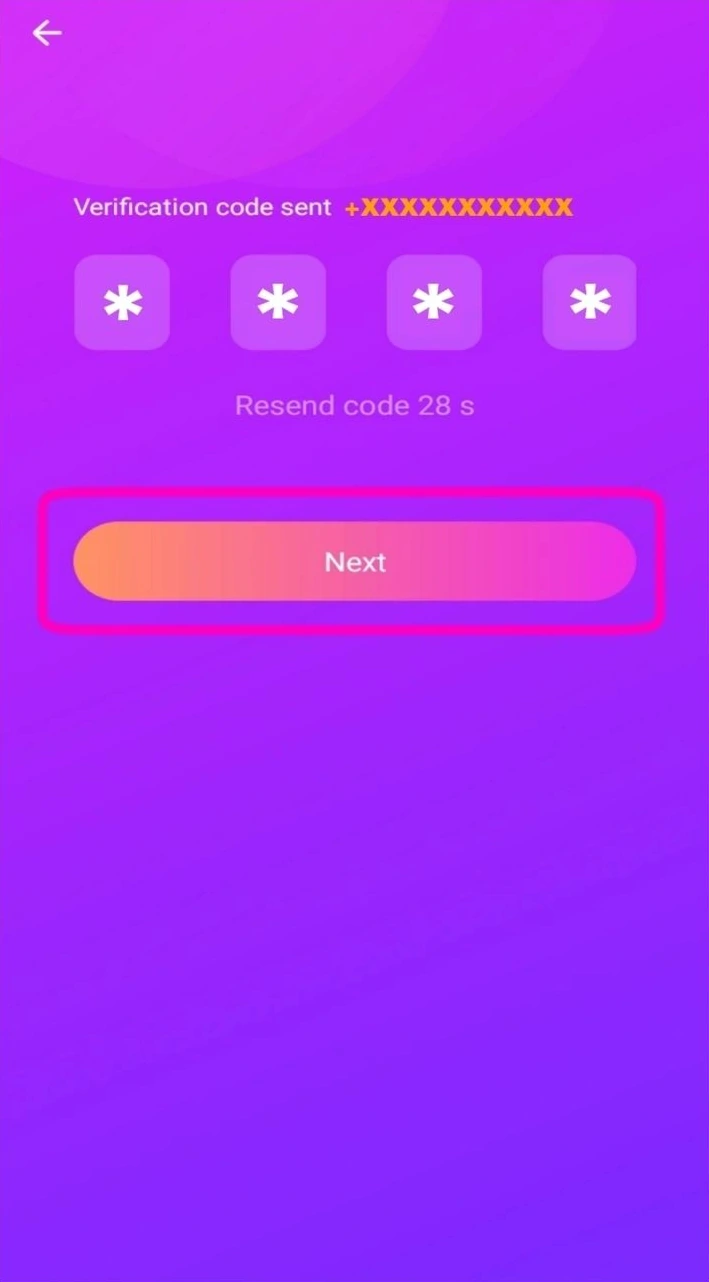
Adapted from public Chamet guide screenshots. Example interface; labels and options may differ. Tap to enlarge.
Use one controlled retry
Confirm the app is from your trusted installation source and the connection is working. Follow the recovery option actually offered by the app. If the same error remains, stop changing unrelated settings and ask support with the method, time and stage. This gives support a coherent account of the failure.
Should I keep requesting new codes while trying passwords?
No. Follow the current screen’s recovery flow and any retry timer. Mixing several recovery attempts can make it difficult to tell which request or code is current.
This is independent preparation guidance. App controls, eligibility and commercial arrangements can change. Confirm account-specific requirements in the current app or through the developer’s verified support channels. Keep passwords and one-time codes private.
Continue with a related guide
Host registration preparation →
Reference information
For the product description and developer contact details, check Chamet’s Google Play listing. Review the service terms and privacy policy linked by the developer for platform requirements and data practices.
Explore the next question
Choose a focused guide for the step you are working on today.