BLOG / Account & Verification Help
Chamet Face Verification Failed: Checks Before Retrying
By Chamet Agents editorial team · Reviewed October 26, 2026
If a verification attempt fails, first identify what the screen is asking you to correct. Use careful device and environment checks, then ask support about eligibility or account-specific decisions.

In this article
Record the exact stage and message
Distinguish between a camera that will not open, an interrupted upload and an unsuccessful verification result. These are different problems. Note the wording and time of the attempt. Keep sensitive images out of public posts and avoid sending identity material to someone who simply claims to fix accounts.
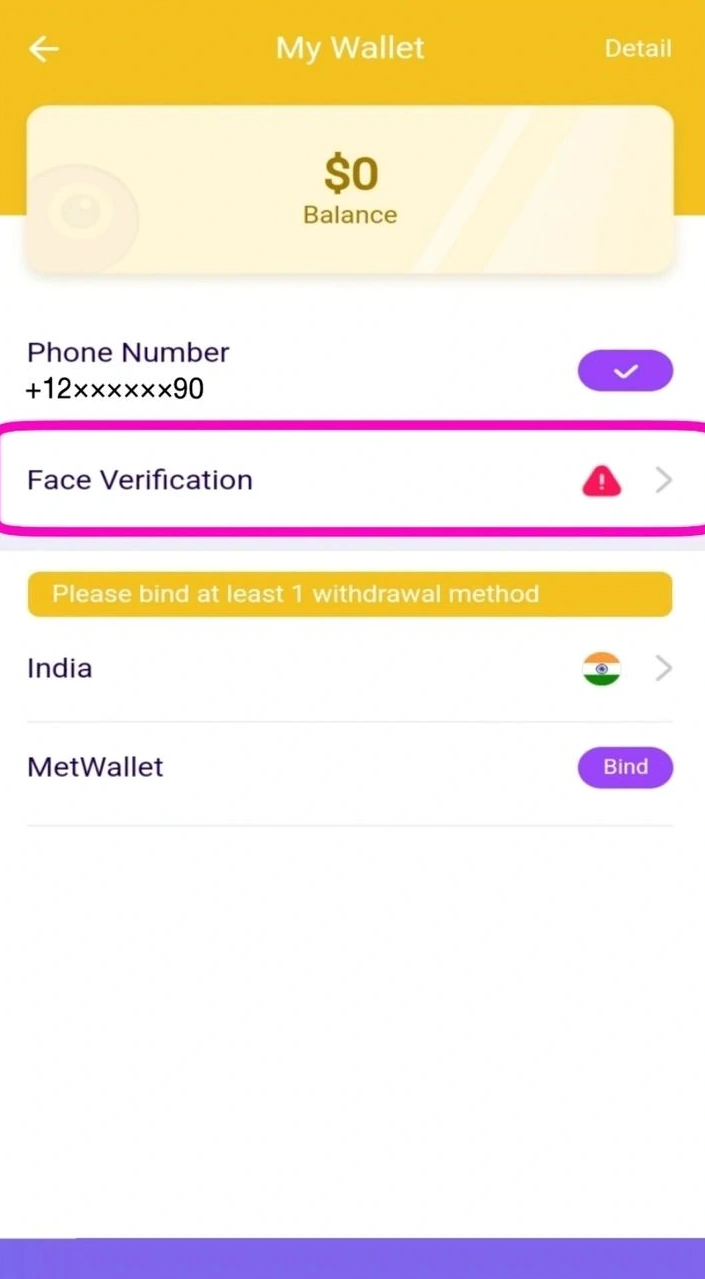
Adapted from public Chamet guide screenshots. Example interface; labels and options may differ. Tap to enlarge.
Correct practical capture problems
Check camera permission, clean the lens and use steady front lighting. Follow the on-screen instructions without covering the required area or moving the device unnecessarily. If the connection is unstable, improve it before another attempt. Do not use someone else’s face, altered identity material or a workaround intended to bypass verification.
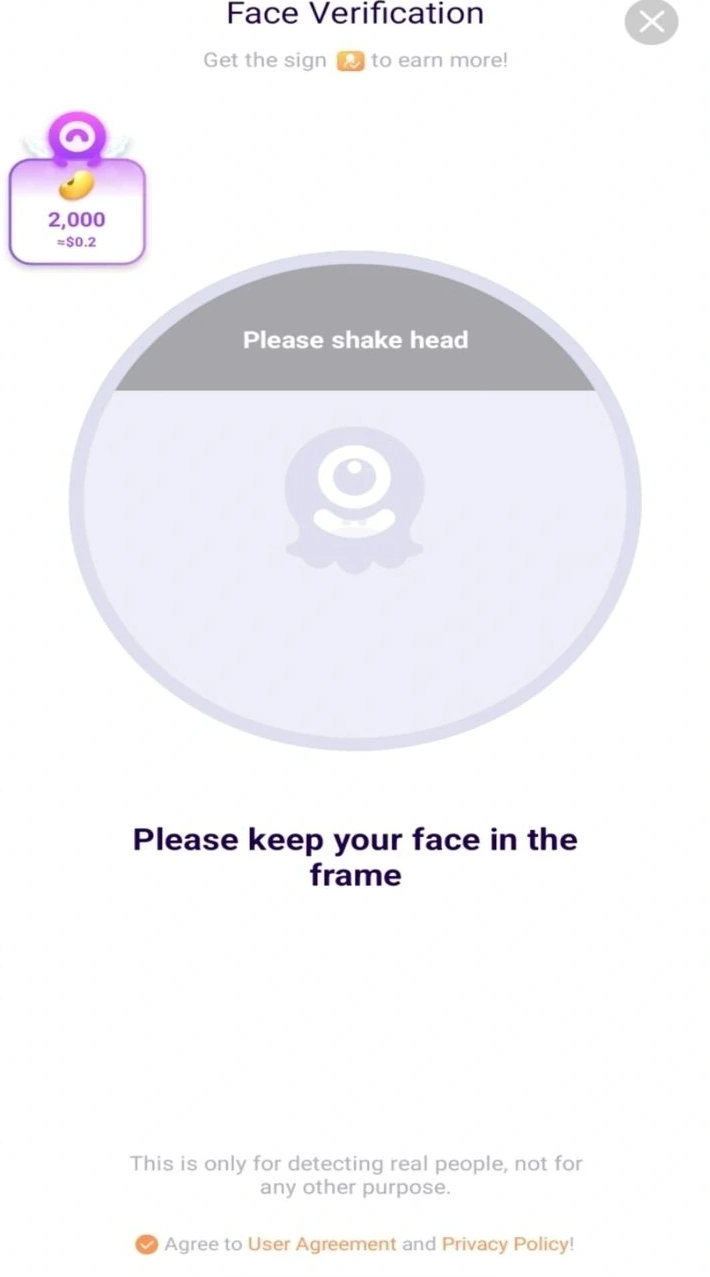
Adapted from public Chamet guide screenshots. Example interface; labels and options may differ. Tap to enlarge.
Escalate a persistent result
If a clear attempt still fails, send official support a concise description of the stage, device and error. Ask what action is permitted next. A blog cannot approve verification or determine why a specific account was rejected; only the platform can review the relevant account information.
Can an agency contact guarantee verification approval?
Treat that claim cautiously. Practical guidance can help you prepare, but an outside contact cannot establish the platform’s decision for a particular account.
This is independent preparation guidance. App controls, eligibility and commercial arrangements can change. Confirm account-specific requirements in the current app or through the developer’s verified support channels. Keep passwords and one-time codes private.
Continue with a related guide
Host registration preparation →
Reference information
For the product description and developer contact details, check Chamet’s Google Play listing. Review the service terms and privacy policy linked by the developer for platform requirements and data practices.
Explore the next question
Choose a focused guide for the step you are working on today.