CHAMET GUIDES / HOST REGISTRATION

Chamet Host Registration Guide

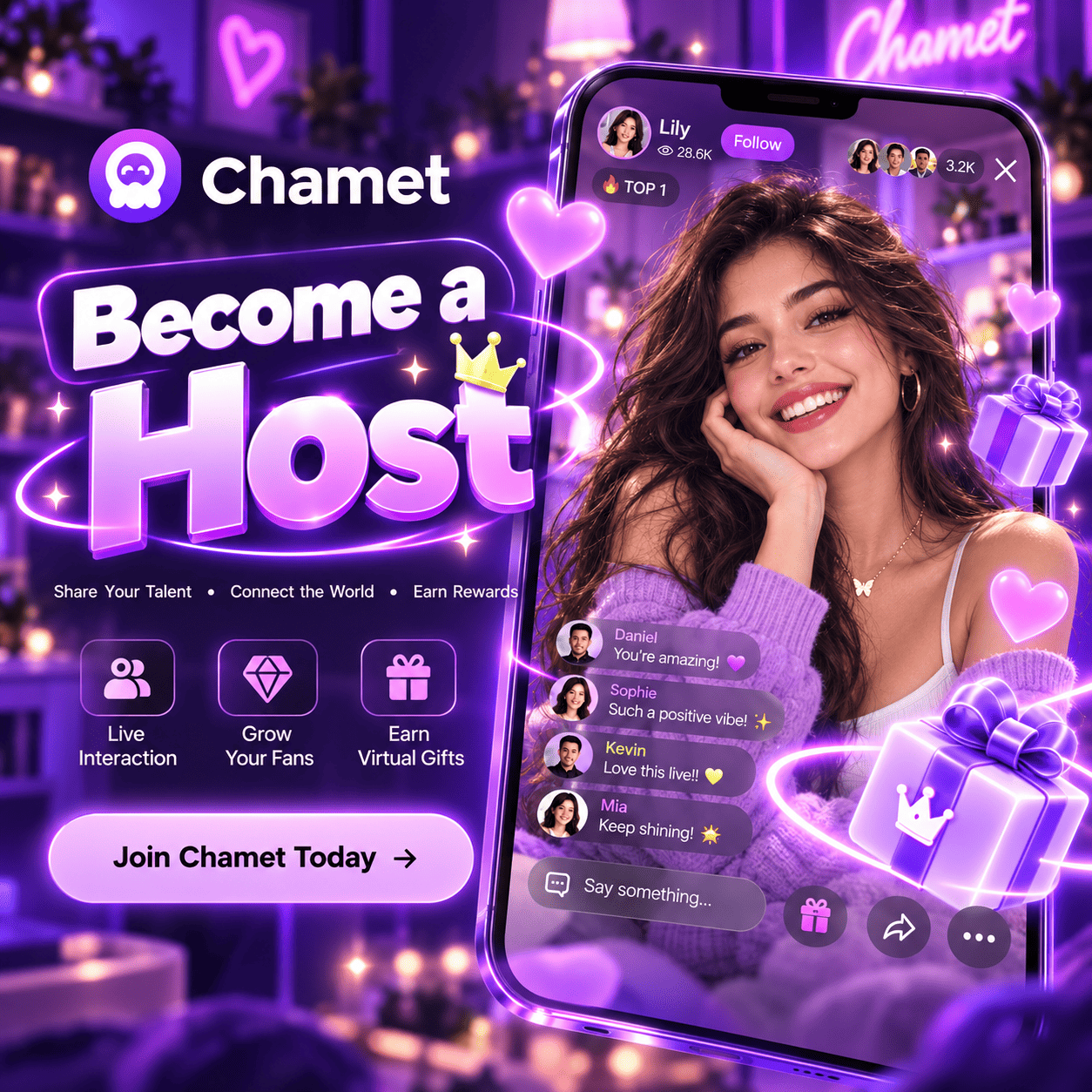
Prepare for your first steps as a Chamet host. Understand the role, review eligibility and get your profile, connection and streaming space ready.
Eligibility
Profile setup
First live session

Understand the host role

A host creates live-streaming or video-chat content and engages with viewers. Think about whether you enjoy conversation, can follow community rules and have time for a consistent routine. Ask about the conditions relevant to your country and account before making commitments. Earnings are variable and should not be treated as a guaranteed salary.
Independent guide by Chamet Agents. Account approval, community rules, commission and payments are controlled by the platform. Confirm current account-specific requirements before acting.

From registration to your first live session

Follow each step in order and keep your account details secure.

Check Host Eligibility

Review the age, country and identity requirements before applying.

01
STEP

Complete Chamet Host Registration

Open the host registration link and follow the prompts using your own details

02
STEP

Set Up Your Host Profile

Add a clear photo, write a short introduction and complete the required verification.

03
STEP

Prepare for Your First Live Stream

Test your camera, audio, lighting and internet connection before going live.

04
STEP

Go Live and Connect with Viewers

Start streaming, engage with viewers and follow Chamet’s community rules.

05
STEP

Prepare well. Keep your account secure.

Build good streaming habits and protect your Chamet account from the start.

Prepare for success

Keep control of your account

Your login and verification belong to you. Keep them secure at every step.

Avoid common mistakes

Start your Chamet host registration

Review the steps above, then continue using the host registration link.

Frequently Asked Questions

Can Beginners Ask For Guidance?

Yes. You can contact our team before applying to discuss profile preparation and onboarding questions. Eligibility and approval still depend on the platform.

Can I Use An Existing Account?

Check the account-binding rules first. Do not assume that an existing account can join a different agency or be registered again.

What Equipment Should I Prepare?

A supported device, stable connection, clear lighting and a quiet space are practical starting points. Confirm the current app requirements for your device.
Need Help With Your Next Step?

Tell us your country, the role you are interested in and the question you need help with. Send a text message on WhatsApp. Keep passwords and verification codes private.
Chametagents.
Independent registration and onboarding guidance for Chamet hosts and agents.
Scroll to Top