Understand Chamet Payment Status Before Reporting a Delay
By Chamet Agents editorial team · Reviewed October 26, 2026
A payment status is a stage in a process, not always proof that money has reached its destination. Record the exact label and reference before asking about a delayed Chamet-related payout.

In this article
Identify which system shows the status
Separate the app or agency report from a wallet, bank or other payment provider. Note whether the status describes a request, a processing stage or a completed transfer. The same word can refer to different events in different systems, so keep the original wording.
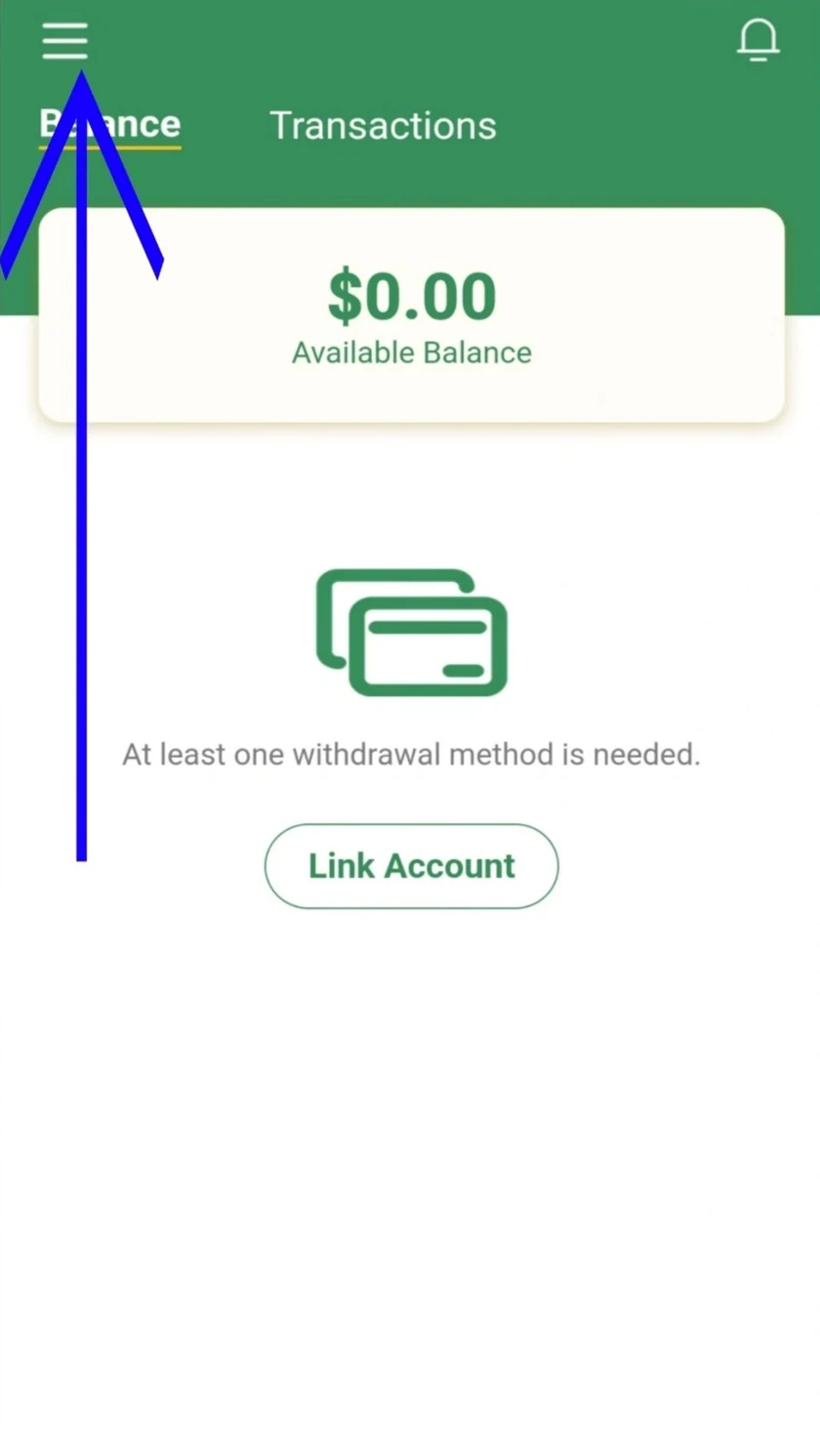
Adapted from public Chamet guide screenshots. Example interface; labels and options may differ. Tap to enlarge.
Build a short timeline
Record when the request was submitted, when the status last changed and which destination was selected. Check the relevant current processing information rather than relying on another person’s past experience. Avoid submitting another request merely because the first has not appeared at the destination.
Adapted from public Chamet guide screenshots. Example interface; labels and options may differ. Tap to enlarge.
Ask the right party a precise question
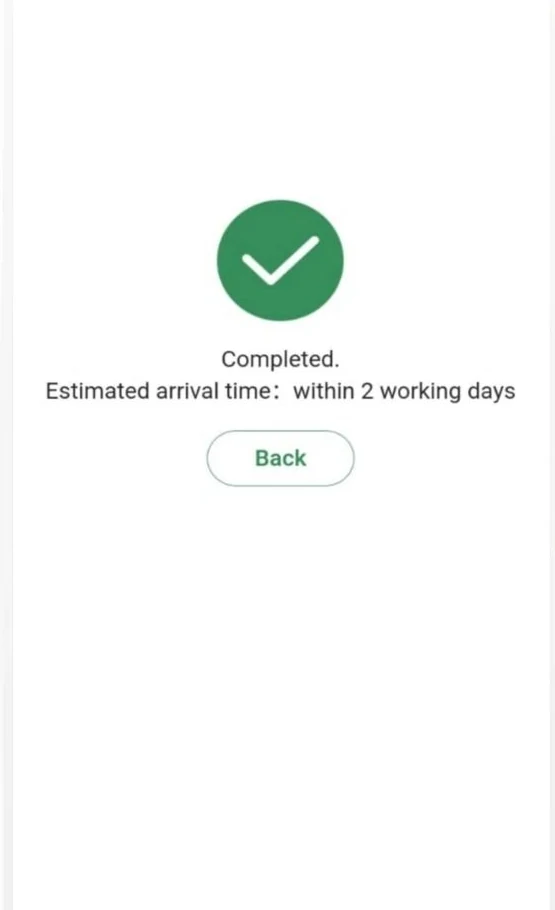
If the platform has not completed its stage, ask its verified support route. If it provides a completed transfer reference, ask the receiving provider what that reference shows. Share only the details necessary in the appropriate private channel and keep the replies together.
Does a “completed” label always mean the bank has credited the account?
Not necessarily. Confirm which stage the label refers to and use the transfer reference to investigate with the appropriate provider.
This is independent preparation guidance. App controls, eligibility and commercial arrangements can change. Confirm account-specific requirements in the current app or through the developer’s verified support channels. Keep passwords and one-time codes private.
Continue with a related guide
Payments and withdrawals overview →
Reference information
For the product description and developer contact details, check Chamet’s Google Play listing. Review the service terms and privacy policy linked by the developer for platform requirements and data practices.
Explore the next question
Choose a focused guide for the step you are working on today.