Create a Clear Chamet Host Profile Without Oversharing
By Chamet Agents editorial team · Reviewed October 26, 2026
A useful host profile tells visitors what to expect while protecting personal information. Prepare a concise introduction, suitable images and consistent details before submitting profile changes.

In this article
Describe the session experience
Write two or three sentences about the topics or activities you can offer consistently. Mention the languages you are comfortable using and the tone of your sessions. Avoid claims about qualifications, platform status or results that you cannot support. A specific description is more useful than a long list of popular keywords.
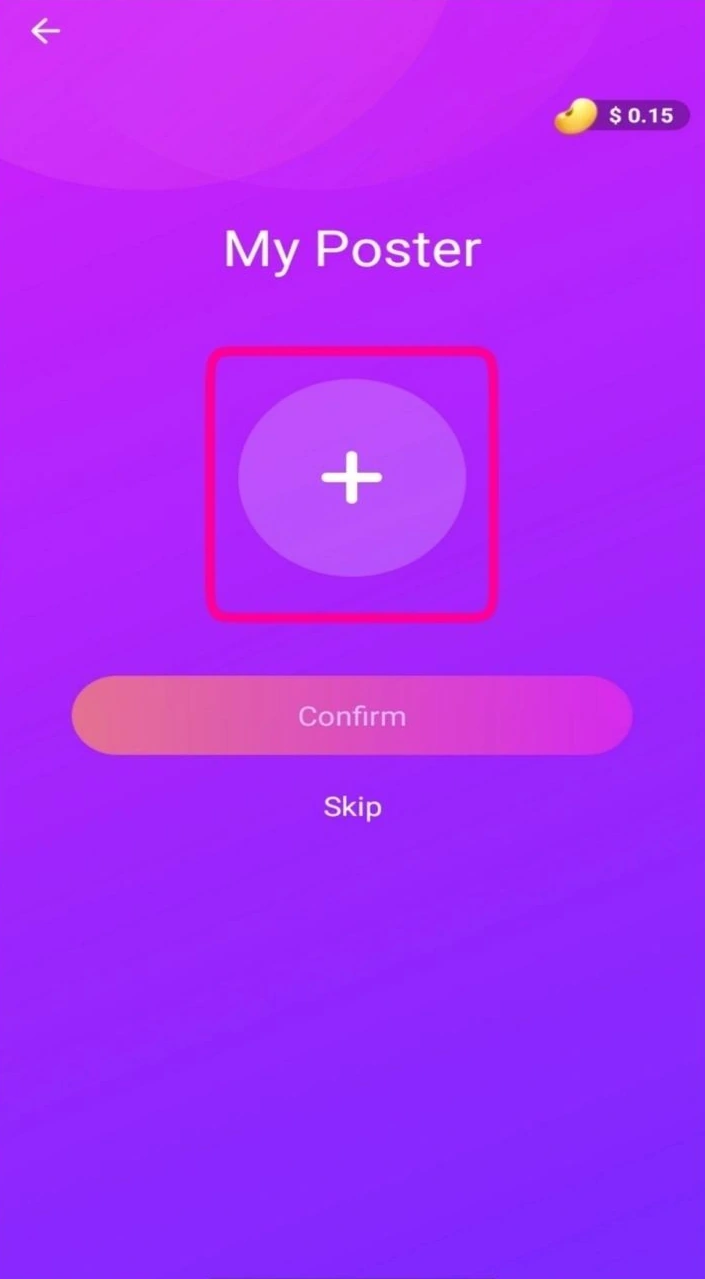
Adapted from public Chamet guide screenshots. Example interface; labels and options may differ. Tap to enlarge.
Review images and personal details
Use material you have the right to publish and follow the platform’s current profile rules. Inspect photos for private documents, location clues and other people who have not agreed to appear. Keep essential account verification separate from the information you choose to show publicly.
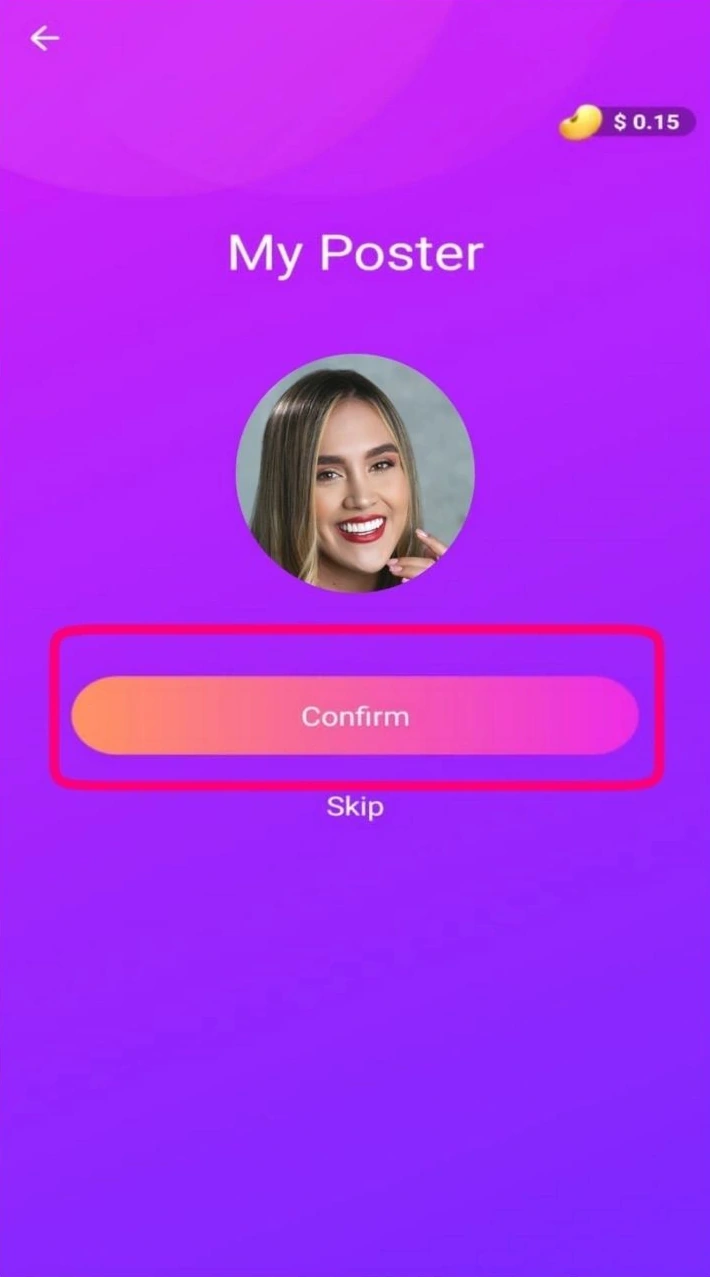
Adapted from public Chamet guide screenshots. Example interface; labels and options may differ. Tap to enlarge.
Check the finished profile as a visitor
Read the text aloud and remove repeated phrases. Confirm that names and details are accurate and that links, if permitted, lead where you expect. Ask whether the profile explains your content clearly without exposing contact information you do not want widely shared. Keep a copy of your approved wording for future edits.
Should a profile promise a particular income or result?
No. Describe the experience you intend to provide. Earnings promises and unverified status claims can mislead visitors and create expectations your profile cannot substantiate.
This is independent preparation guidance. App controls, eligibility and commercial arrangements can change. Confirm account-specific requirements in the current app or through the developer’s verified support channels. Keep passwords and one-time codes private.
Continue with a related guide
Host registration preparation →
Reference information
For the product description and developer contact details, check Chamet’s Google Play listing. Review the service terms and privacy policy linked by the developer for platform requirements and data practices.
Explore the next question
Choose a focused guide for the step you are working on today.