Chamet Live Room or Video Chat? Plan the Right Session
By Chamet Agents editorial team · Reviewed October 26, 2026
Planning a Chamet session starts with understanding its format. A public-facing live room and a conversation require different preparation, boundaries and ways of involving participants.

In this article
Define the format and purpose
Before starting, identify who can enter, what controls are available and what you want the session to achieve. Read the labels in the current app instead of assuming another platform uses the same rules. A short discussion, a performance and a group activity each need a different opening.
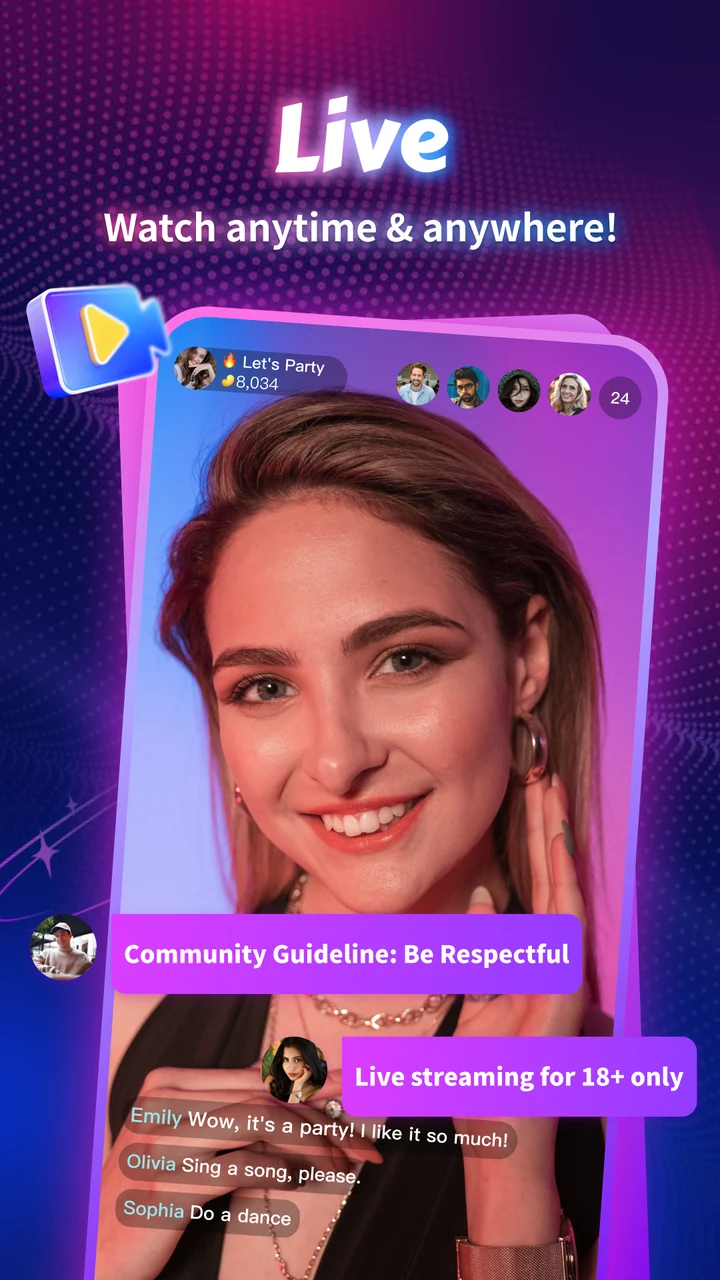
Official Chamet store promotional preview; available features and appearance may vary. Tap to enlarge.
Prepare participation cues
Choose a clear first topic and two backup prompts. In a group setting, explain how participants can take turns. In a conversation, allow time for a response rather than filling every pause. Avoid questions that pressure someone to reveal private details or make a purchase.
Prepare for a shared audience, chat and the room controls available to you.
Prepare for a direct conversation and check the account’s actual calling options.
Formats and settings can differ by account and version.
Original format comparison. The store preview is promotional, not a step-by-step control guide.
Review the session afterward
Note what helped people follow the conversation and where confusion appeared. Record technical problems separately from content ideas. Use that short review to improve the next session, rather than treating a single session’s activity as evidence of future income or long-term audience growth.
Are all Chamet features available to every account?
Do not assume so. Check the controls and eligibility shown in your current account, and ask platform support when a function you expect is missing.
This is independent preparation guidance. App controls, eligibility and commercial arrangements can change. Confirm account-specific requirements in the current app or through the developer’s verified support channels. Keep passwords and one-time codes private.
Continue with a related guide
Host registration preparation →
Reference information
For the product description and developer contact details, check Chamet’s Google Play listing. Review the service terms and privacy policy linked by the developer for platform requirements and data practices.
Explore the next question
Choose a focused guide for the step you are working on today.
<