Currency Conversion and Fees: Compare Chamet Payout Records
By Chamet Agents editorial team · Reviewed October 26, 2026
Two payment records can show different numbers because they use different currencies or stages. Compare the full record before deciding that an exchange rate or fee is wrong.

In this article
Write down both currencies and amounts
Record the amount shown before transfer, the receiving amount and the currency on each side. Include the dates and the status. Comparing only the digits can conceal a currency difference or an adjustment applied between the report and the receiving provider.
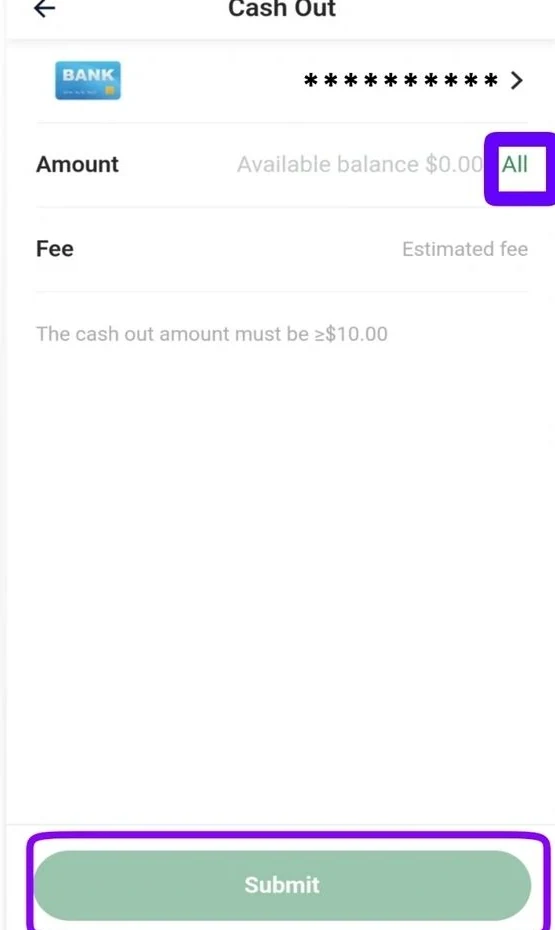
Adapted from public Chamet guide screenshots. Example interface; labels and options may differ. Tap to enlarge.
Separate the possible deductions
Look for disclosed service charges, conversion rates and receiving-provider fees in the current terms for the method used. Ask which party applied a deduction instead of assuming it came from the platform. A market exchange rate found in a search result may differ from a provider’s transaction rate.
Request an itemized explanation
Use the transaction reference and a concise summary of the discrepancy. Ask for the conversion basis, applicable charge and date of processing. Keep sensitive statements within the verified support process. This guide is a reconciliation checklist, not a promise about the rate or amount available through any particular method.
Should every receiving amount match a public exchange calculator?
No. The applicable transaction rate, timing and disclosed fees can differ. Compare the actual provider’s terms and transaction details before concluding there is an error.
This is independent preparation guidance. App controls, eligibility and commercial arrangements can change. Confirm account-specific requirements in the current app or through the developer’s verified support channels. Keep passwords and one-time codes private.
Continue with a related guide
Payments and withdrawals overview →
Reference information
For the product description and developer contact details, check Chamet’s Google Play listing. Review the service terms and privacy policy linked by the developer for platform requirements and data practices.
Explore the next question
Choose a focused guide for the step you are working on today.