What Is Chamet? A Beginner’s Guide to the App
By Chamet Agents editorial team · Reviewed October 26, 2026
New to Chamet? Understand the app’s main experiences, the difference between using it socially and working with an agency, and what to check before creating an account.

In this article
Understand what you are opening
Chamet is listed on Google Play as a live chat and party app. Its developer describes live rooms, video conversations and group experiences. These features explain the product; they do not establish a job offer, an income level or an agency contract. Start with the store listing rather than an earnings advertisement.
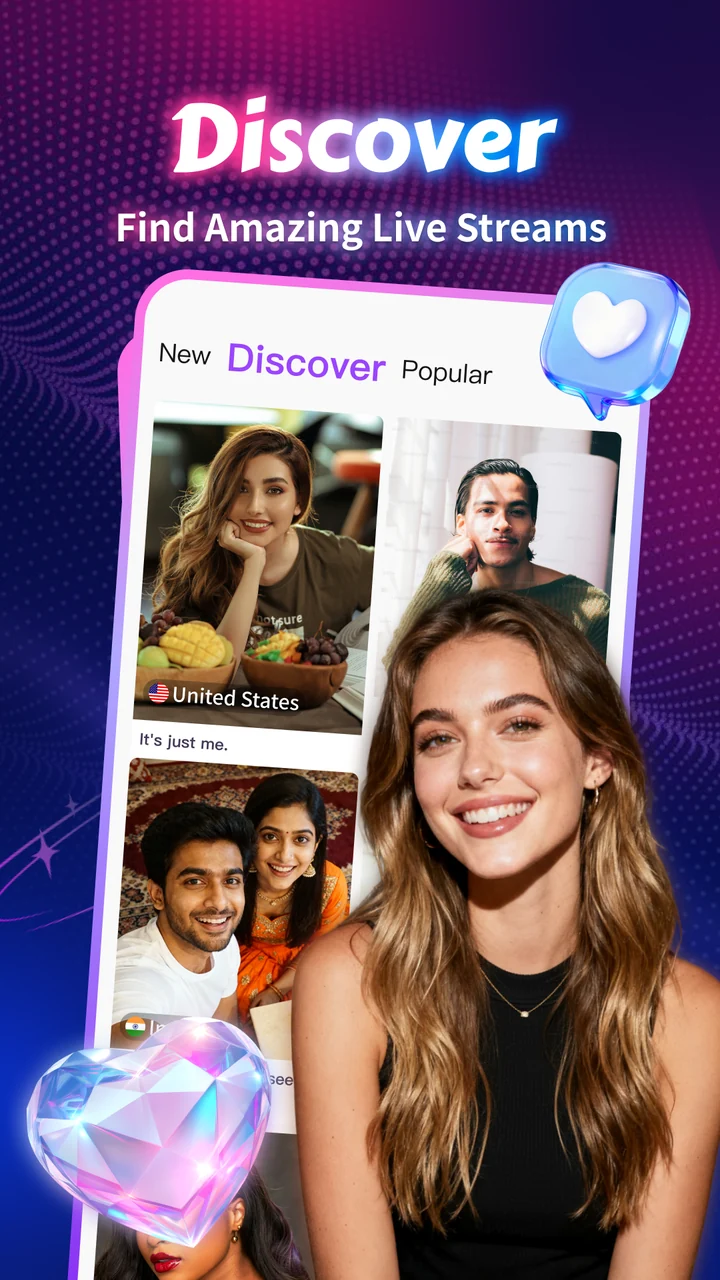
Official Chamet store promotional preview; available features and appearance may vary. Tap to enlarge.
Choose the question you need answered
A viewer may want to understand conversation tools and purchase settings. A prospective host needs onboarding and eligibility information. An aspiring agent needs a separate explanation of agency approval, responsibilities and reporting. Write down your intended role before following a registration link.
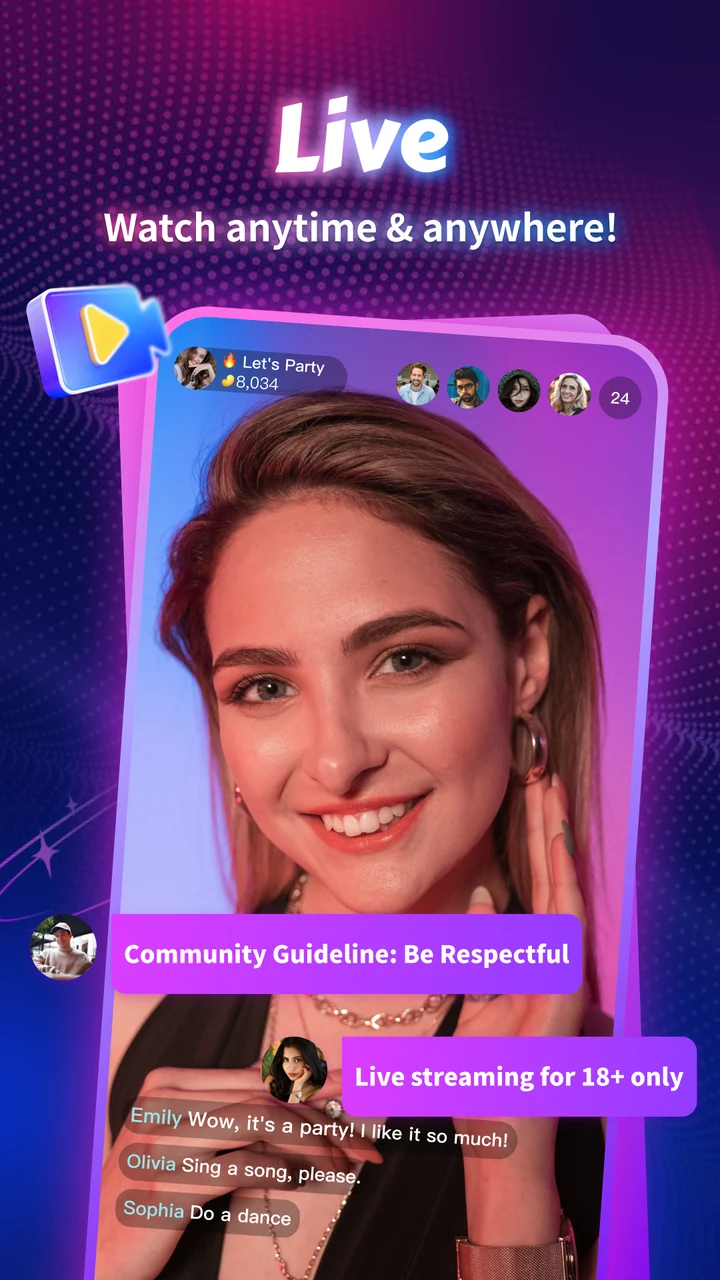
Official Chamet store promotional preview; available features and appearance may vary. Tap to enlarge.
Use a simple first-visit checklist
Check the developer name and app identifier in the store. Read the current privacy and service terms. Review permissions before enabling camera or microphone. Finally, identify where the app provides help. If a promoter promises a guaranteed return, ask for the underlying terms rather than treating the promise as a platform feature.

Official Chamet store promotional preview; available features and appearance may vary. Tap to enlarge.
Does installing Chamet make me an agent?
No assumption should be made from installation alone. Confirm the appropriate application route and account status with the platform before presenting yourself as a Chamet agent.
This is independent preparation guidance. App controls, eligibility and commercial arrangements can change. Confirm account-specific requirements in the current app or through the developer’s verified support channels. Keep passwords and one-time codes private.
Continue with a related guide
Host registration preparation →
Reference information
For the product description and developer contact details, check Chamet’s Google Play listing. Review the service terms and privacy policy linked by the developer for platform requirements and data practices.
Explore the next question
Choose a focused guide for the step you are working on today.